I’ve been using Adobe After Effects for close to two decades. I’m no expert, but I’m pretty decent at creating motion graphics and animations. It’s been my go-to tool for anything that needs to move on screen.
But recently, I wanted to try something different. I’d heard about DaVinci Resolve’s Fusion page and how it uses a node-based editor to build animations. This was completely different from the layer and composition-based method I was used to in After Effects.
So I decided to give it a shot.
Learning a New Way to Think
The biggest shift was wrapping my head around the node-based workflow. In After Effects, everything is layers stacked on top of each other in a composition. You apply effects to layers, and you work from bottom to top.
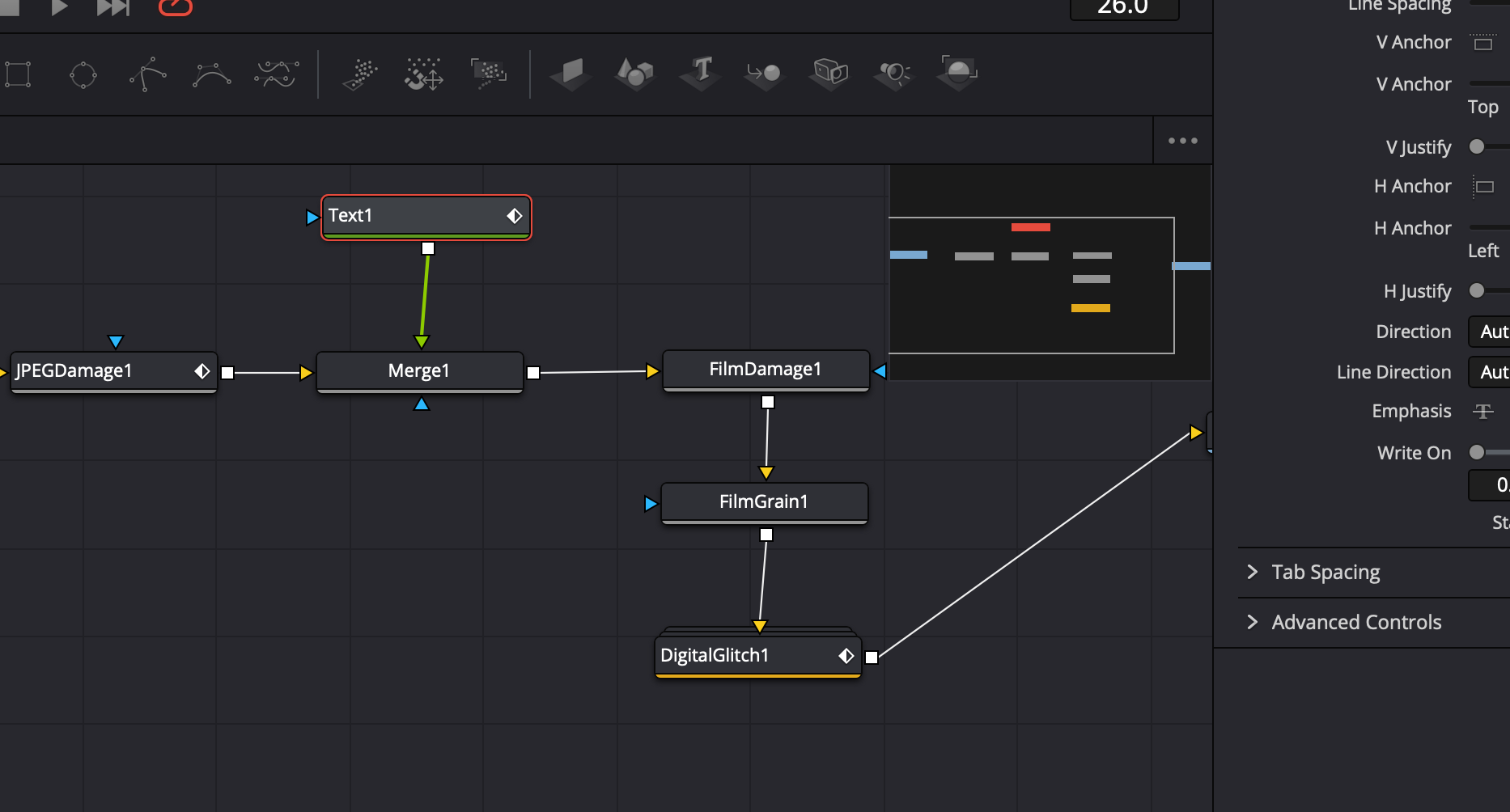
Fusion works differently. Everything is a node, and you connect them together like a flow chart. Your image flows from one node to another, with each node doing something specific to transform it. It’s more like building a machine than stacking pancakes.
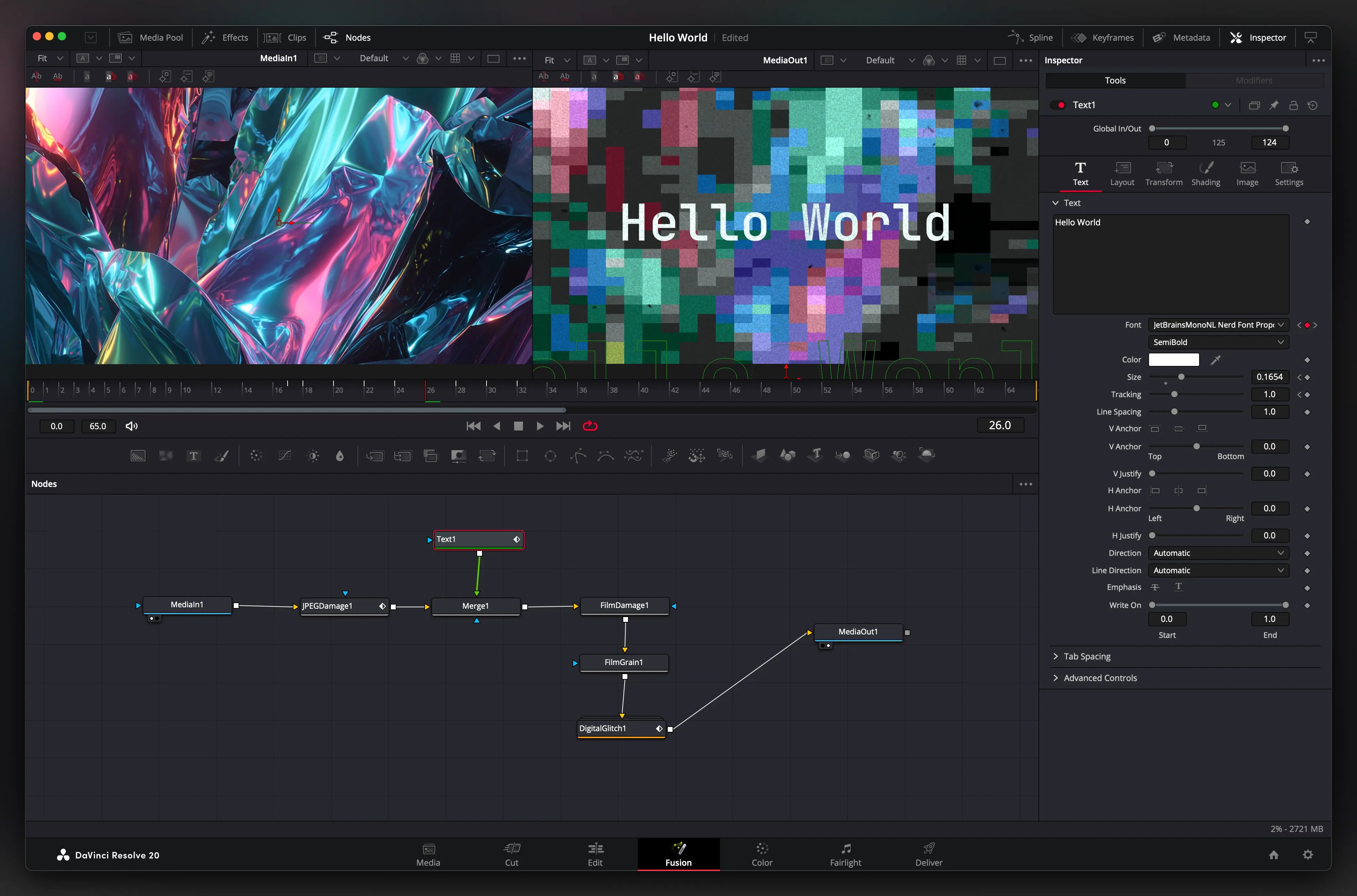 The node view in Fusion - each box does one thing, and they’re all connected together.
My First Animation
After watching a few tutorials on YouTube and playing around with the software, I made a quick animation. It’s pretty basic, but it was fun to make.
The process felt different from what I was used to. Instead of thinking about layers, I had to think about the flow of data. Text goes into a text node, gets transformed by a transform node, maybe gets some effects from other nodes, and finally gets merged with the background.
What I Learned
The node-based approach has some real advantages once you get used to it:
- It’s more organized - You can see exactly what’s happening to your image at each step
- It’s flexible - You can easily reroute connections and try different combinations
- It’s powerful - Complex effects that would need multiple layers in After Effects can be done with a few connected nodes
But it’s also got a learning curve. I found myself reaching for familiar After Effects shortcuts that didn’t exist. The interface is different, and some things that are simple in After Effects require a different approach in Fusion.
My Verdict
I’m glad I tried it. Fusion is a solid tool, and for certain types of work, the node-based approach might actually be better than what I’m used to. It’s definitely worth exploring if you’re curious about different ways to create motion graphics.
Will I switch completely? Probably not. After Effects is still my main tool because I know it so well. But Fusion has earned a place in my toolkit for when I want to try a different approach to a problem.
Sometimes it’s good to step outside your comfort zone and learn something new. Even if it’s just to remind yourself that there’s always more than one way to solve a problem.